Why I built it
I tried about ten apps.
So I built one.
My MacBook got down to 12 GB free out of 460. So I did what everybody does: I went looking for an app to tell me where the space went and help me clear some of it. I tried about ten.
Each one did a piece of what I wanted. None of them did the whole thing honestly. Here's what I kept running into, and what I made Freespan do instead.
What I kept running intoWhat Freespan does instead
A paywall before the first useful thing
→
Free. The whole thing.No in-app purchase, no subscription, no "Pro" tier, no account. The source is on GitHub under the MIT license.
"Junk found!" with no real numbers behind it
→
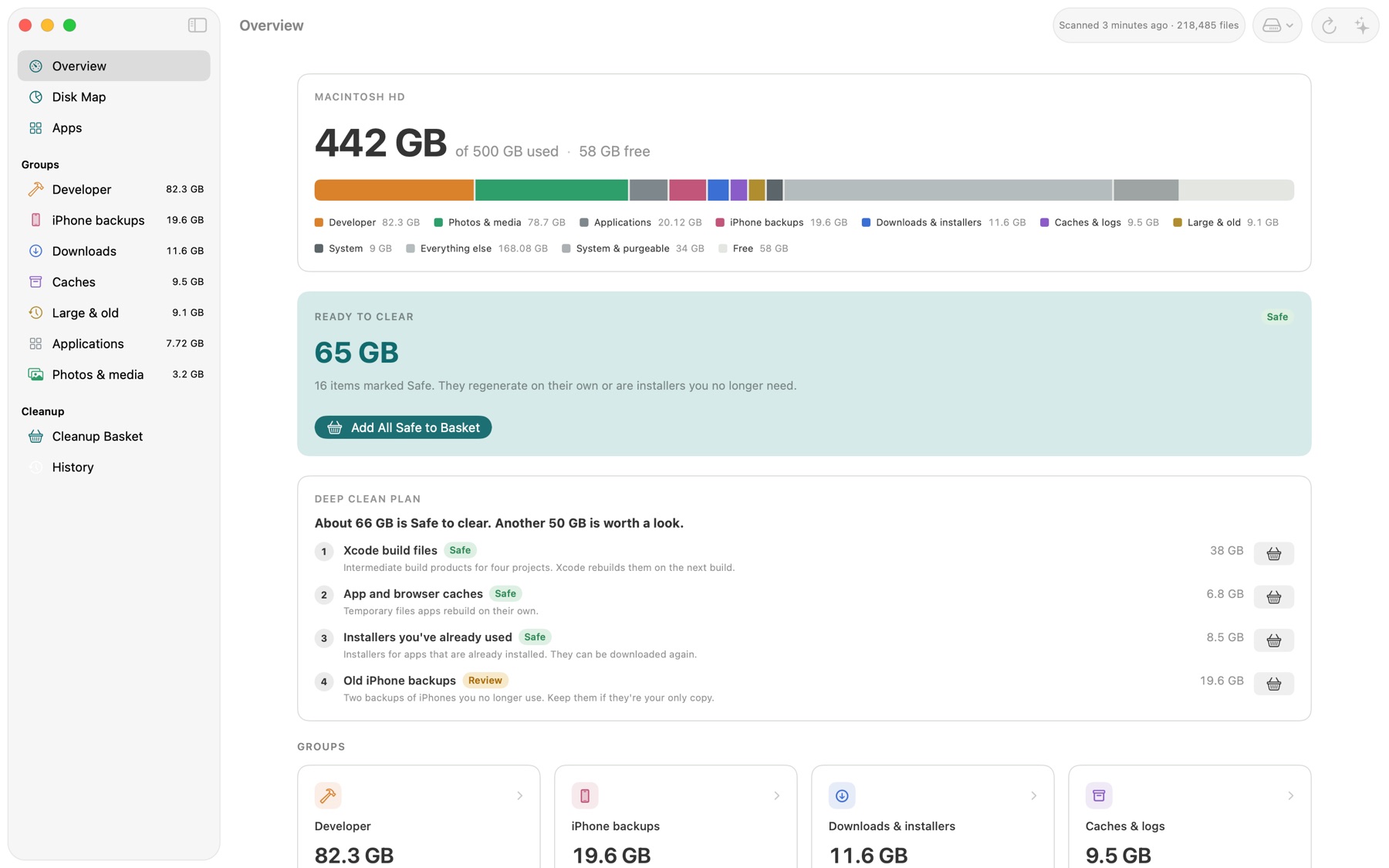
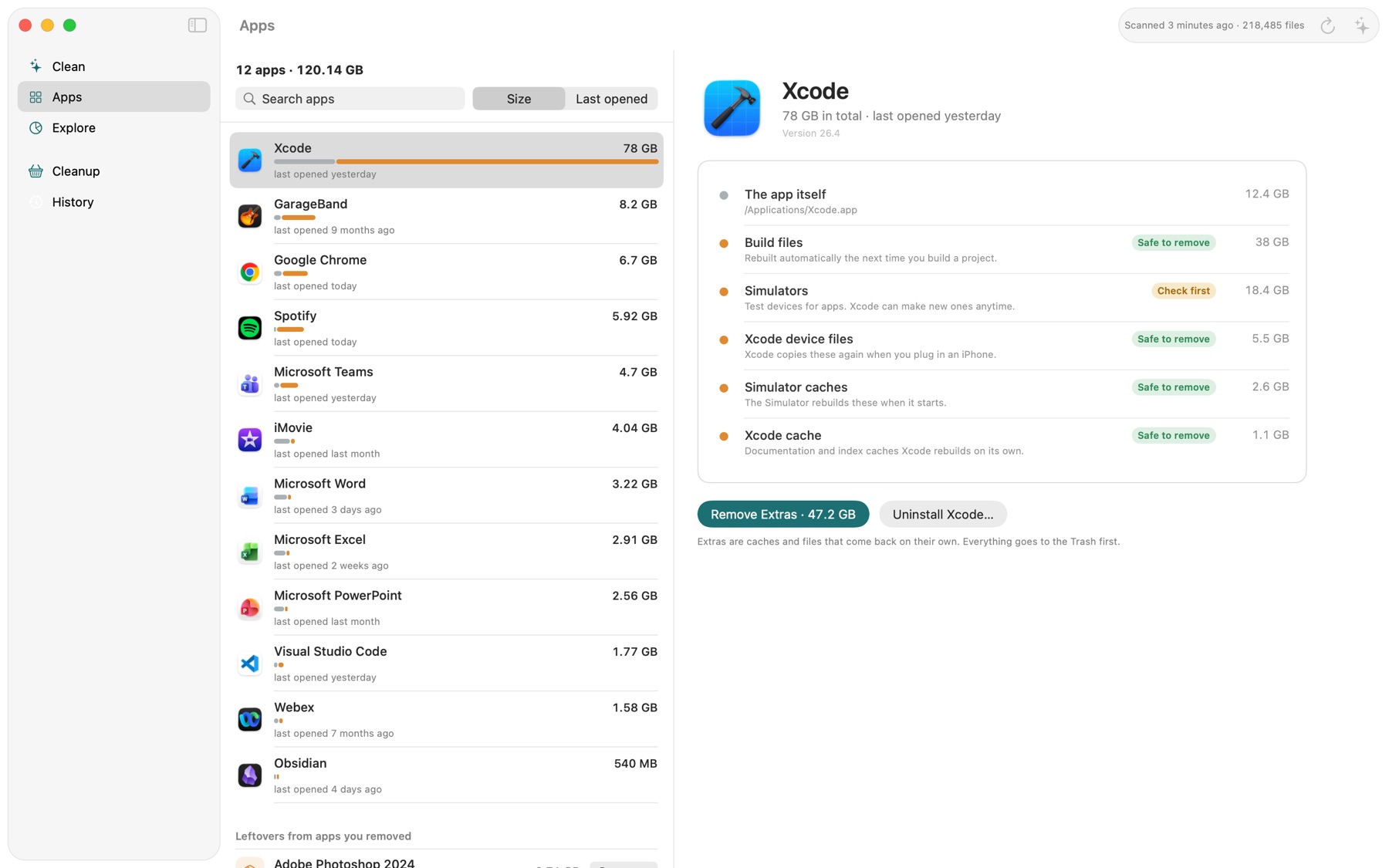
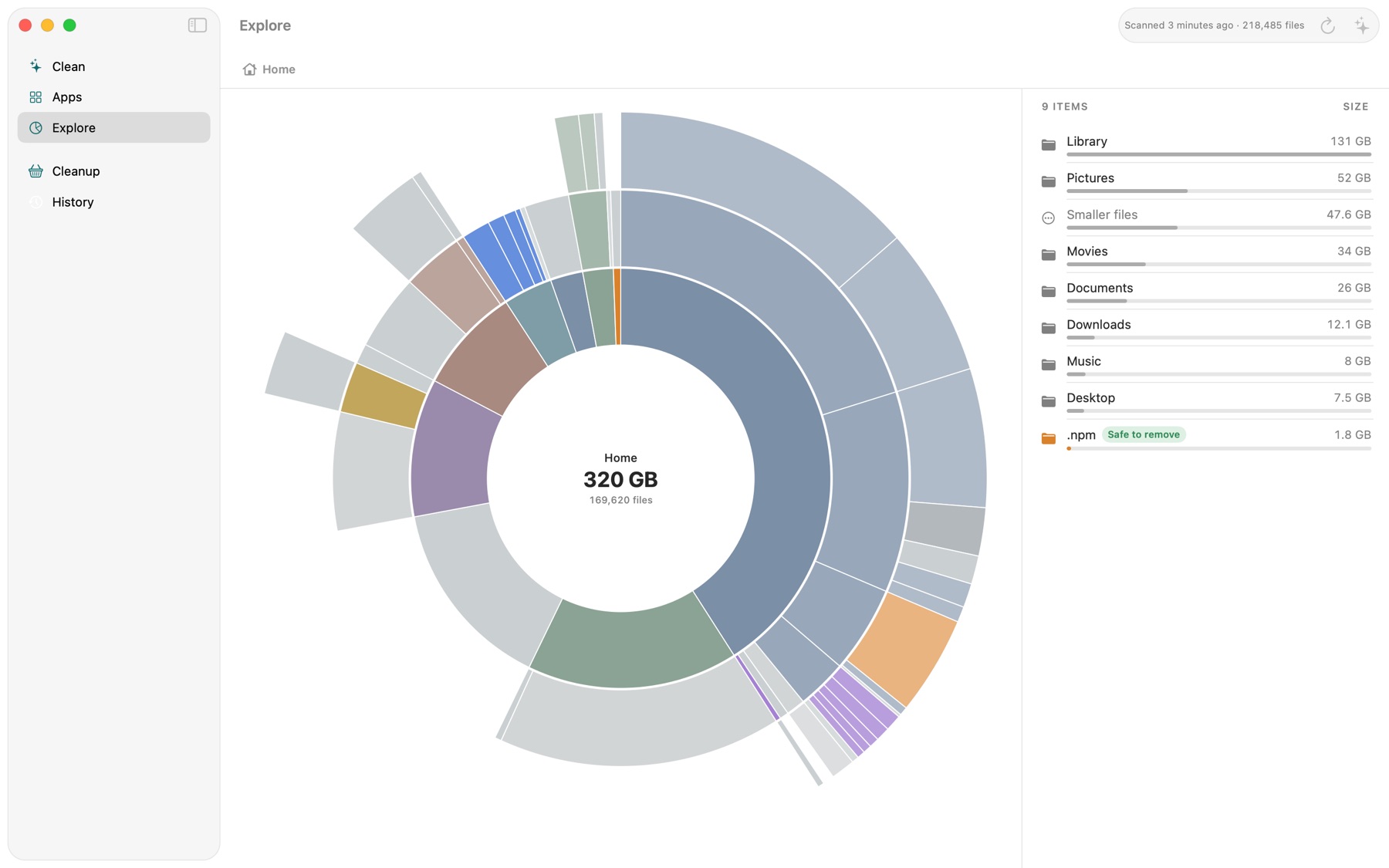
Real sizes, measured on your disk.Freespan counts the space files actually take up, counts hard links once, and stays on your drive. On my Mac it matched du to within 0.03%.
"Clean memory" and "free up RAM" buttons
→
No snake oil.macOS manages memory. Freespan manages disk. There's no RAM button because it wouldn't do anything.
Delete now, find out later
→
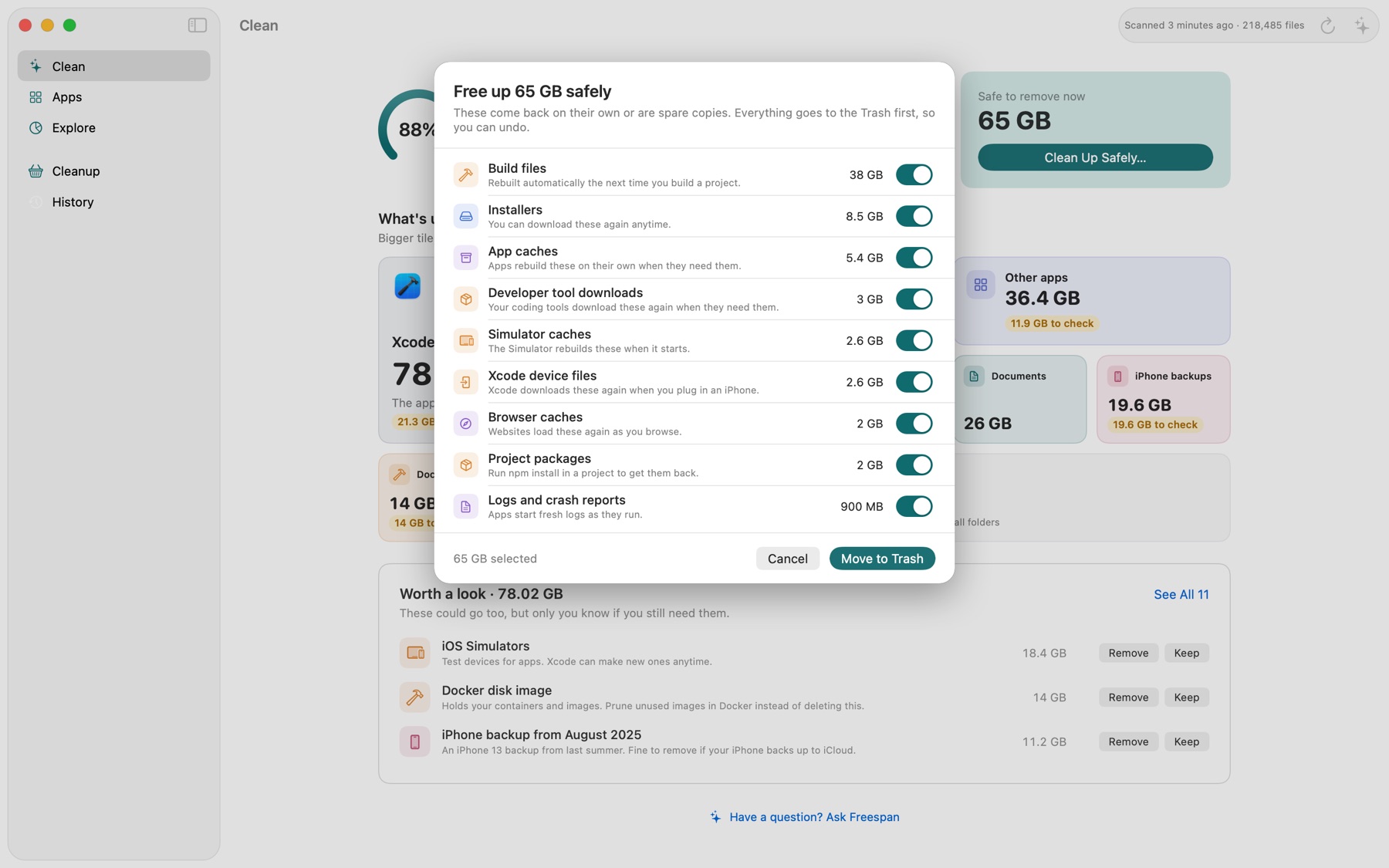
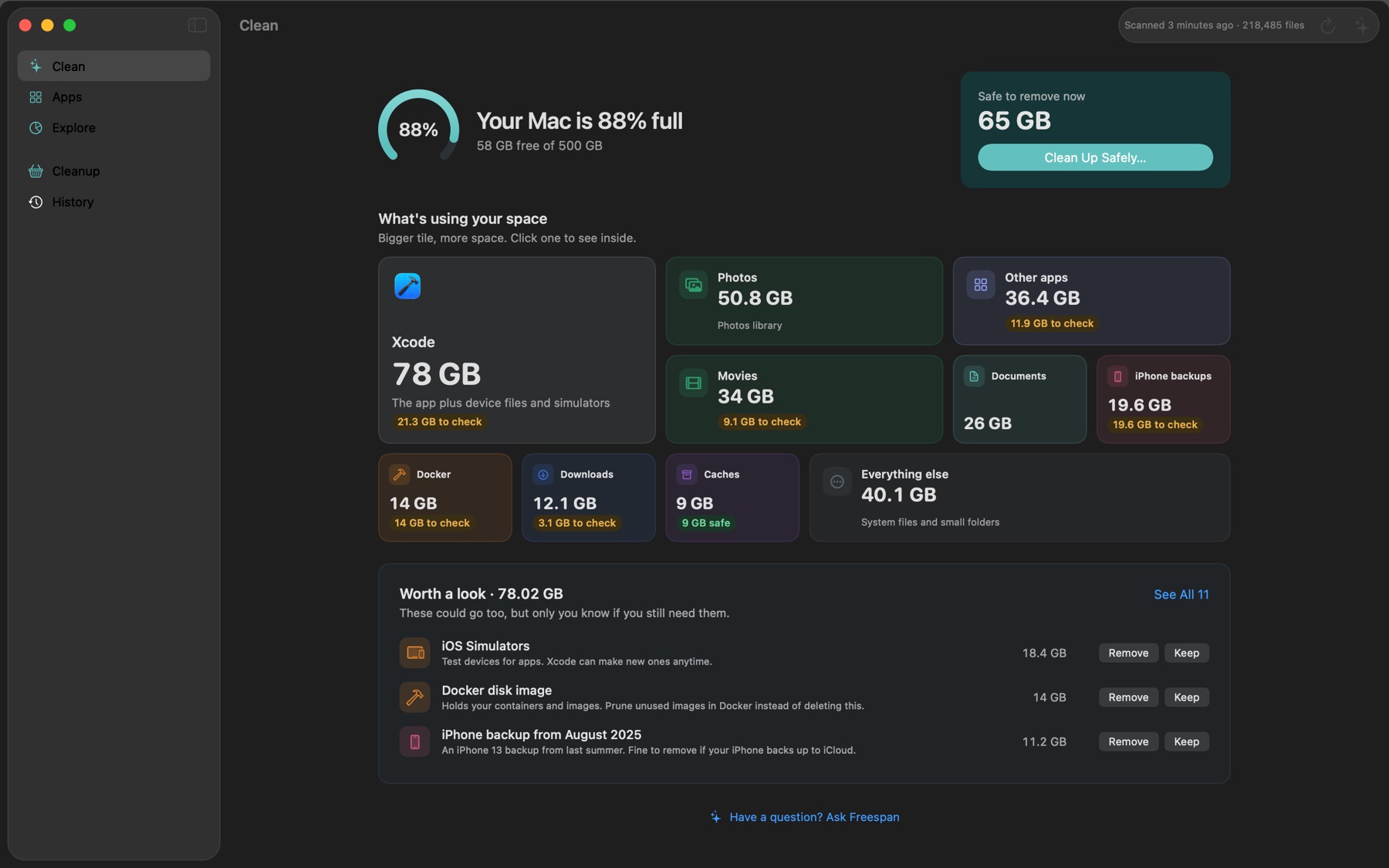
The Trash, every time.Nothing is deleted permanently. Every cleanup is logged, and History can put it back.
"Trust us, it's junk"
→
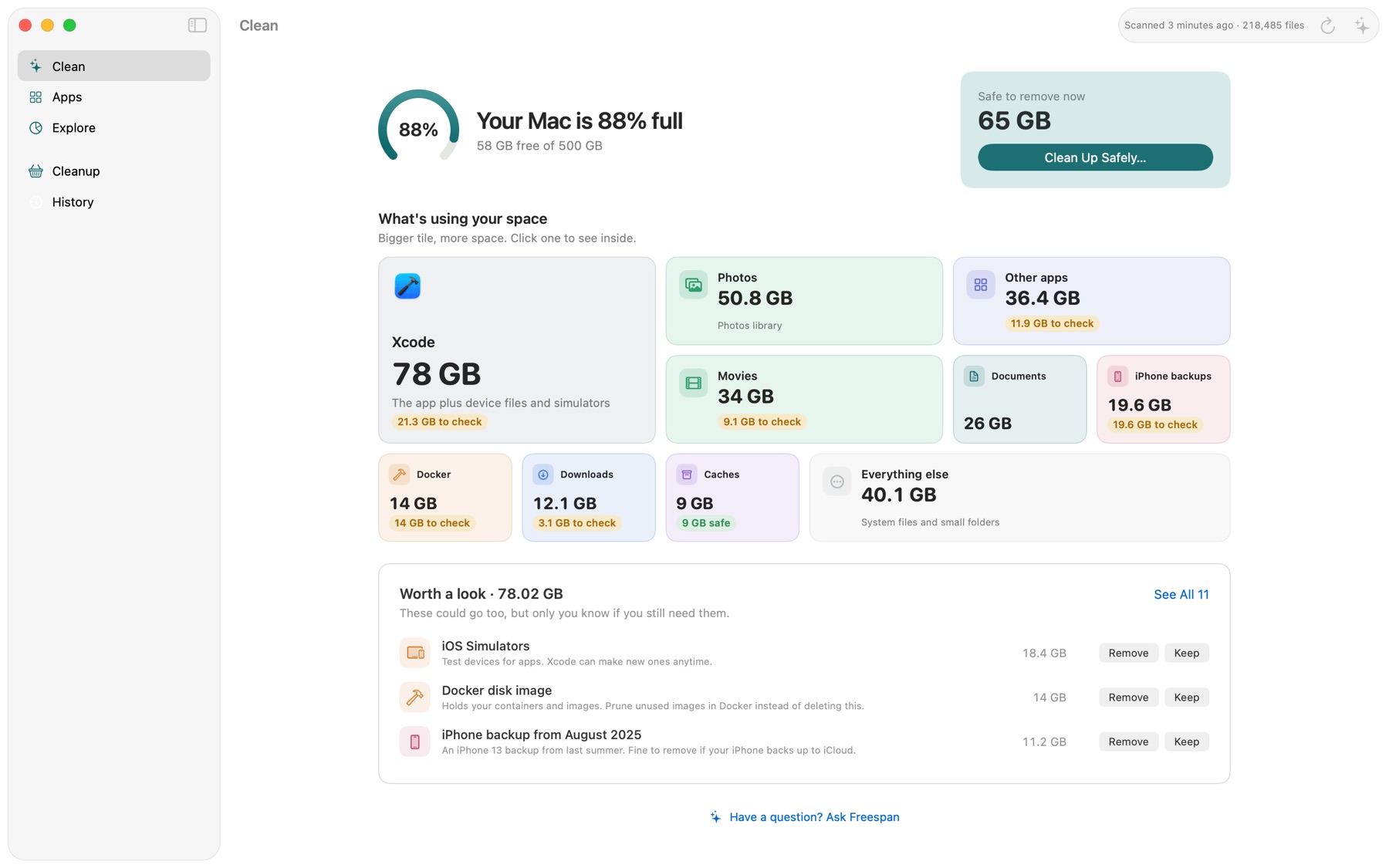
It tells you what each thing is.Friendly names first ("Xcode device files"), the path second, and a plain reason. Only Freespan's built-in rules can call something Safe to remove. A guess, from the assistant or anywhere else, tops out at Check first.
The point is simple: see what's using your disk, understand it, and clean it up without the nervous feeling that you just broke something. It's free, it stays on your Mac, and nothing leaves the Trash unless you empty it yourself.
I built it for my own Mac first. The first real scan turned up 17 GB of Xcode device support files I'd forgotten existed. If it helps you too, great.
Jesse McConnellMcConnell Digital, Parker, CO