
HomeFeaturesHow it worksPriceFAQ
iPhone + Apple TV · coming soon

VisualizerLabs

A light show for whatever is playing in the room.

The iPhone listens through its microphone and draws visuals in time with the music, on its own screen or on an Apple TV. It only needs to hear the music, so it doesn't matter what is playing it.

Coming soon to the App Store How it works

iPhone, iOS 18 or laterApple TV, tvOS 17 or laterFree to try

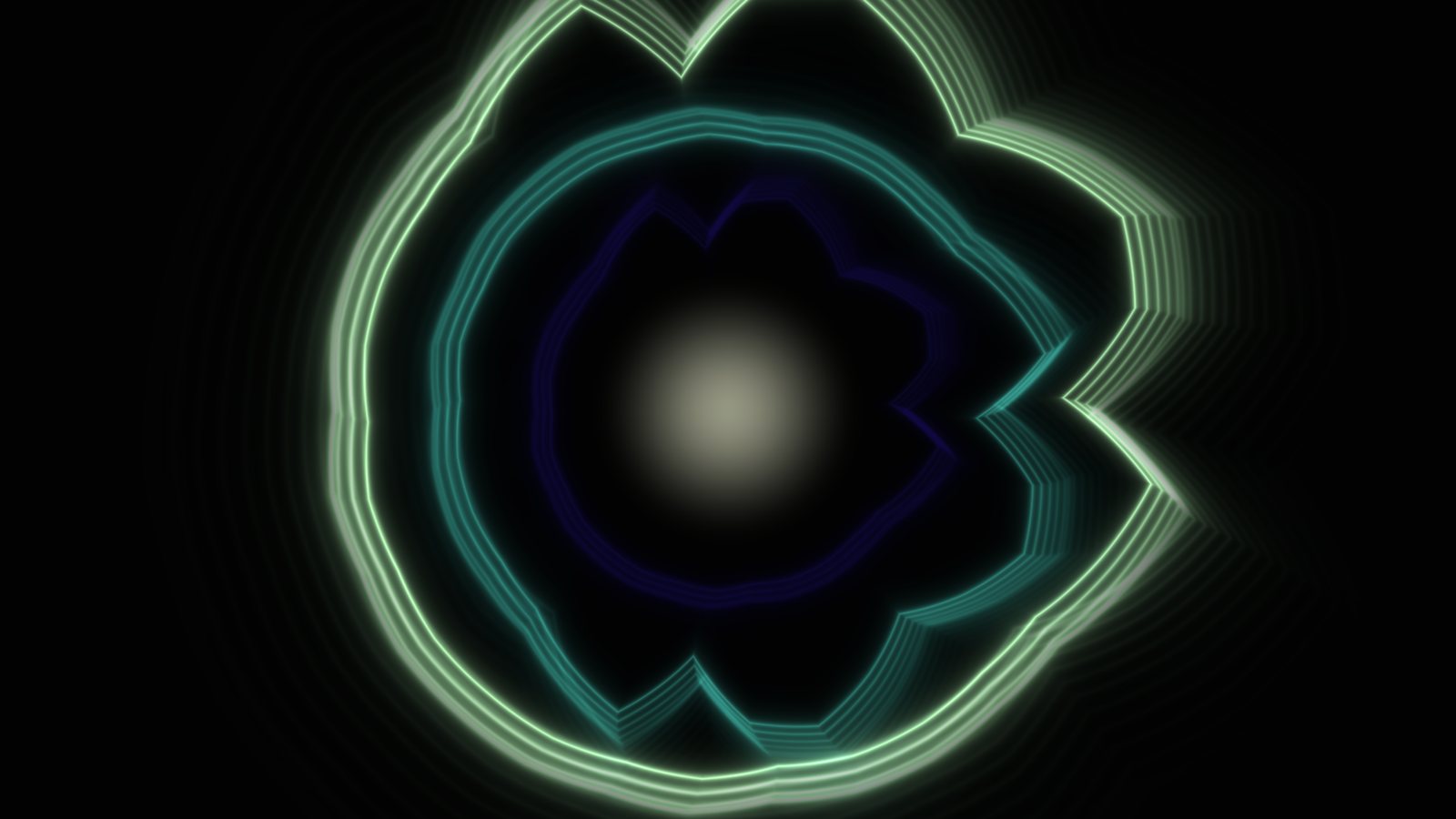
A kaleidoscope pattern drawn by VisualizerLabs on an Apple TV
Why I built it

Why the iPhone does the listening

I wanted music visuals on the TV in my basement while Apple Music played from the Apple TV. It turns out an Apple TV app isn't allowed to hear what another app is playing, and the box has no microphone.

My phone has one. So the iPhone listens to the room, works out the beat, and sends it to the Apple TV over Wi-Fi, and the TV draws.

I built it for Apple Music. But since the phone is only listening, it works the same way with Spotify, a record player or a band.

What it does

Eight scenes, on the phone or the TV

Spectrum Bars, Radial Rings, Particle Burst, Plasma, Tunnel, Kaleidoscope, Nebula and MilkDrop, in six color palettes.

Listen

Works with anything you can hear

The iPhone uses its microphone, so there's no music account to connect. Apple Music, Spotify, YouTube, a turntable and the radio all work.

  • It keeps listening when the phone is locked.
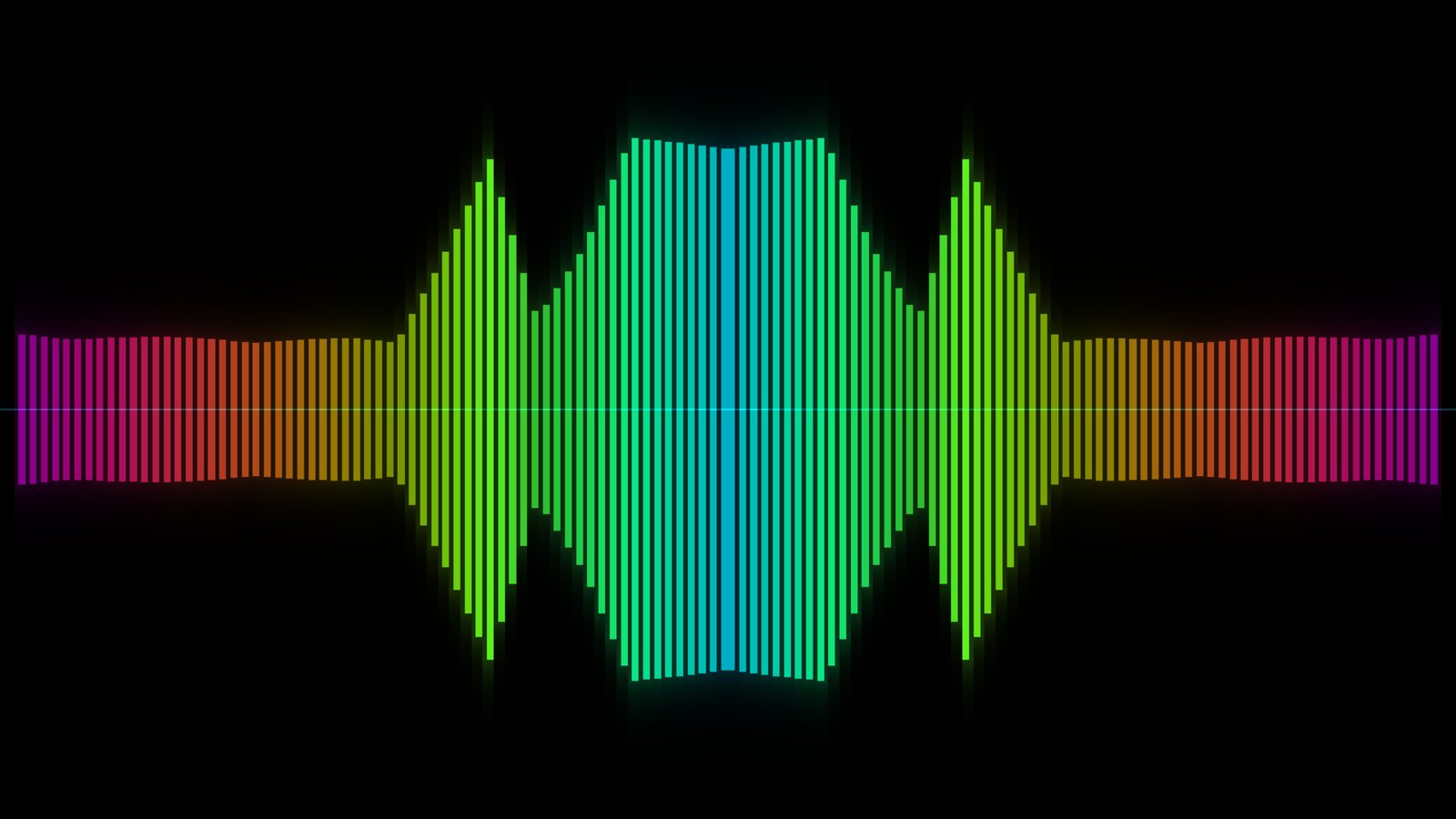
Spectrum Bars: a row of rainbow bars rising with the music
Watch

On the iPhone, on the Apple TV, or both

The same scenes run full screen on the iPhone, in portrait or landscape. If the app is open on an Apple TV on the same Wi-Fi, the TV shows them too.

  • 43 MilkDrop presets, drawn on the Apple TV itself.
  • The screen fades to black when the music stops, which matters on an OLED.
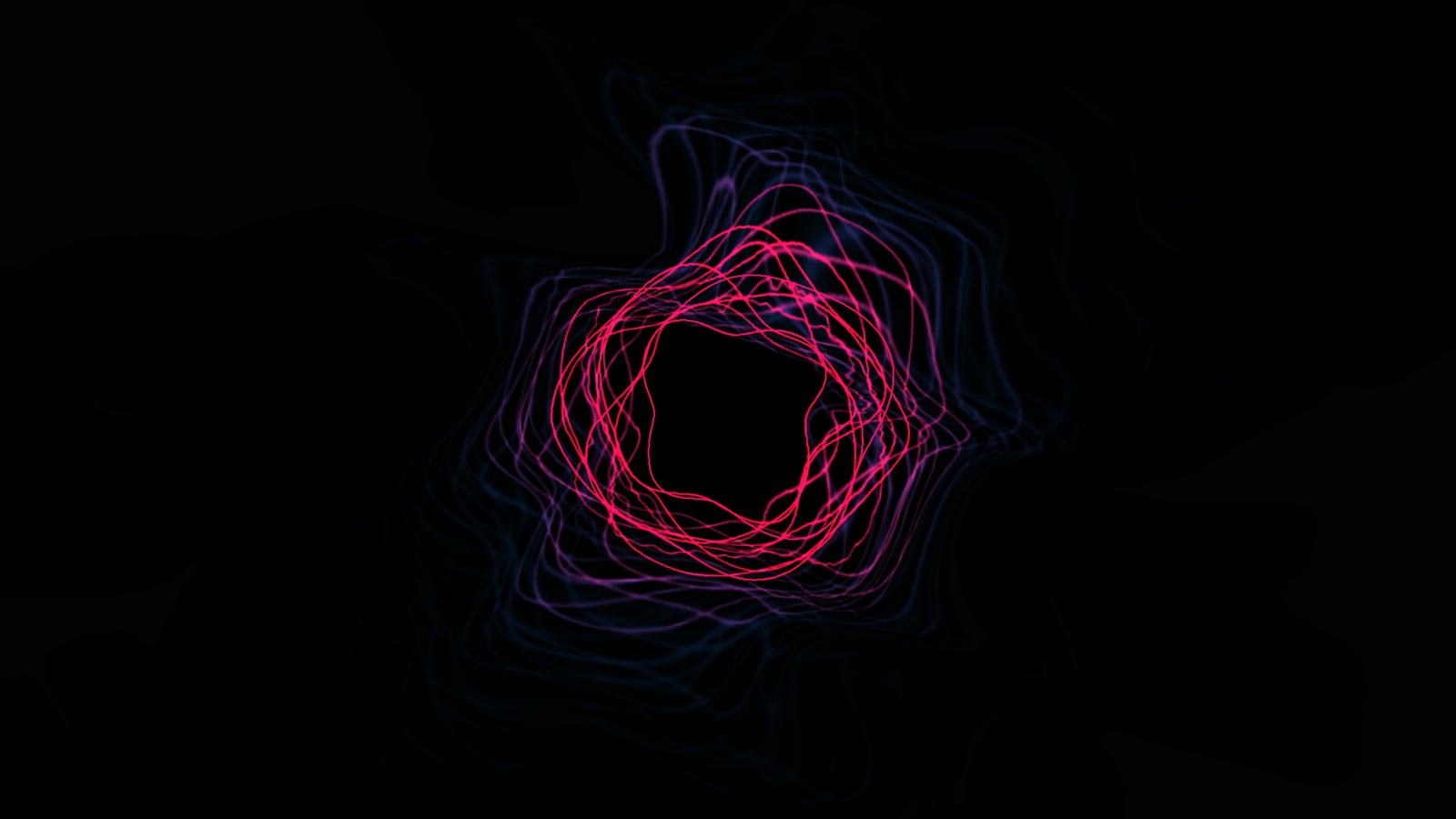
A MilkDrop preset: looping pink and violet lines around a dark centre
Control

The iPhone is the remote

Change the scene, palette or preset on the Apple TV from the phone. Auto-cycle moves to a new scene every 25 seconds. The Apple TV's own remote works too.

  • If you have more than one Apple TV, you pick which one.
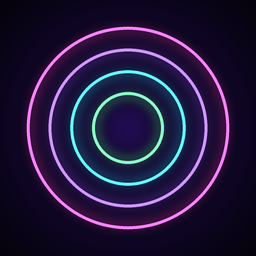
Radial Rings: glowing rings that bend with the bass
Sync

Flashes that land on the beat

Every TV shows its picture a little late. VisualizerLabs works out the tempo and fires each flash early by that amount.

  • To measure the delay, the TV plays eight clicks and the iPhone times them.
  • You can also adjust it by hand.
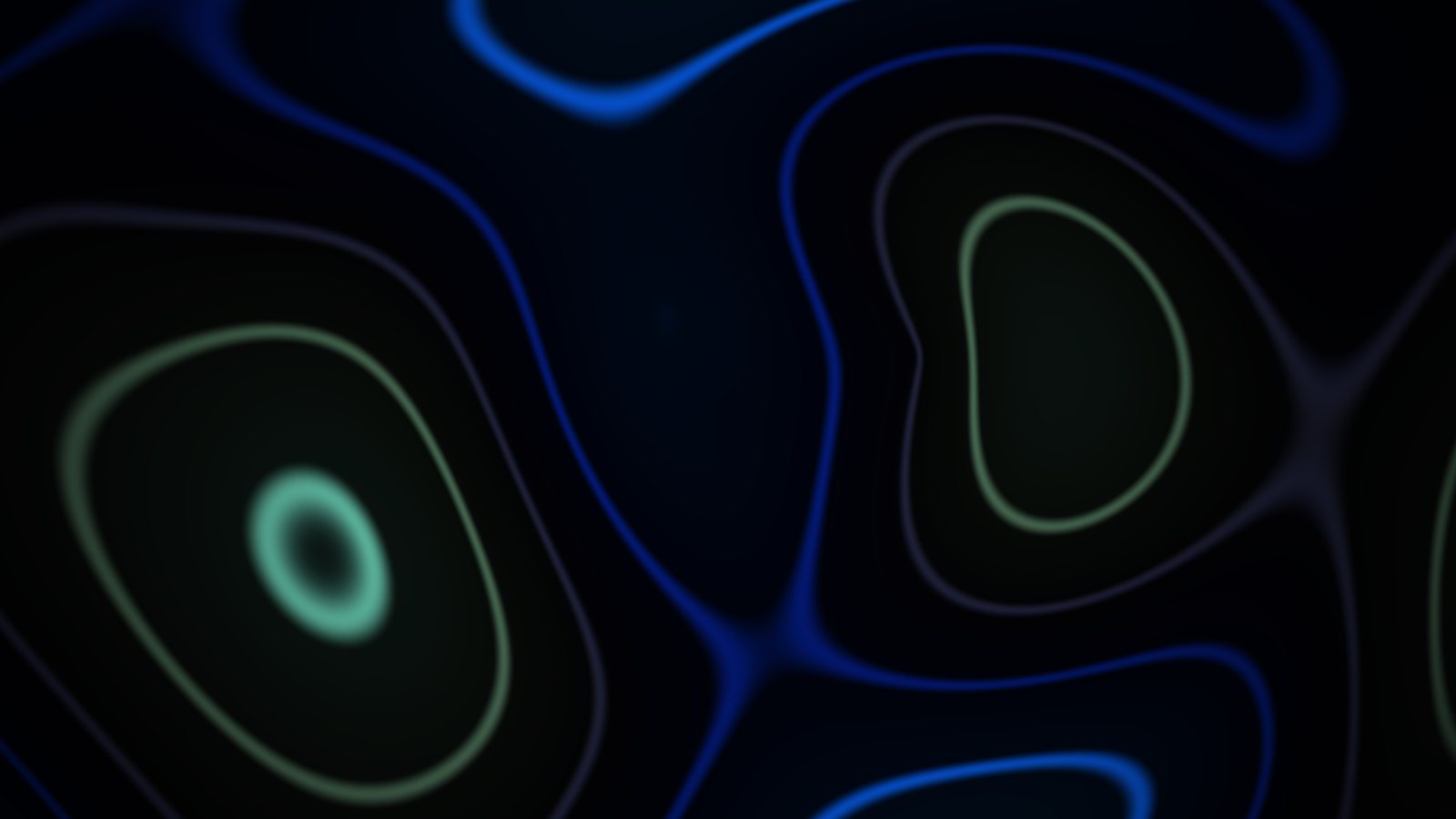
Plasma: slow blue and green contours
How it works

Setting it up

  1. On the iPhone alone

    Tap Show visuals on this iPhone and play music from anything nearby.

  2. Add the Apple TV

    Open VisualizerLabs on the Apple TV, then tap Start listening on the iPhone. They find each other on your Wi-Fi.

  3. Set the timing once

    Tap Measure automatically. It takes about six seconds, and the room needs to be quiet.

  4. Put the phone down

    Leave it near where you sit, away from the subwoofer. It keeps listening when locked.

Requirements

  • iPhone with iOS 18 or laterIt does the listening and is the remote.
  • Apple TV with tvOS 17 or laterOptional. For visuals on the TV.
  • The same Wi-Fi networkThe iPhone and Apple TV talk to each other directly.

Flashing lights

VisualizerLabs shows flashing lights and fast-moving patterns that may affect people with photosensitive epilepsy.

Price

What it costs

The iPhone part is free. The Apple TV part is a one-time purchase, with no subscription and no ads.

iPhone visuals

Free

Every scene, full screen, for as long as you like.

Apple TV

$1.99 once

Free for 30 minutes a day, which is enough to find out whether it works in your room. After that it's a one-time purchase.

Privacy

What happens to the sound

The app uses your microphone, so here is what it does with what it hears.

01

Nothing is recorded

The app measures the sound as it arrives and throws it away. It saves nothing on the iPhone or the Apple TV.

02

It stays on your Wi-Fi

The iPhone sends the beat and a low-quality live copy of the sound to your Apple TV over your home network. That is the only place it goes.

03

No accounts or analytics

You don't sign in to anything, and the apps don't report how you use them.

04

The full policy

It's one page. Read the privacy policy.

FAQ

Questions

Do I need an Apple TV?

No. The iPhone app draws the visuals on its own screen for free. The Apple TV is for putting them on the big screen.

Does it work with Spotify?

Yes. It works with any music you can hear in the room, because the iPhone listens through its microphone instead of connecting to a music app.

Why does the iPhone need the microphone and local network?

The microphone is how it hears the music. Local network access is how it finds and talks to your Apple TV. Neither is used for anything else.

The visuals are a little behind the music. Can I fix that?

Yes. Tap Measure automatically on the iPhone, or adjust the beat timing by hand. Putting the TV's input in Game picture mode also cuts its delay.

Is it a subscription?

No. The iPhone side is free, and the Apple TV side is a single purchase.

Coming soon to the App Store.

It's in testing now. If you have a question before it's out, get in touch.